Final URL
The final URL is the page shoppers land on. For ecommerce, this is often a product, collection, or landing page.
Google Ads + GA4
Use a simple final URL suffix first, understand where tracking templates fit, and verify the landing page visit in GA4 before you add more ValueTrack detail.
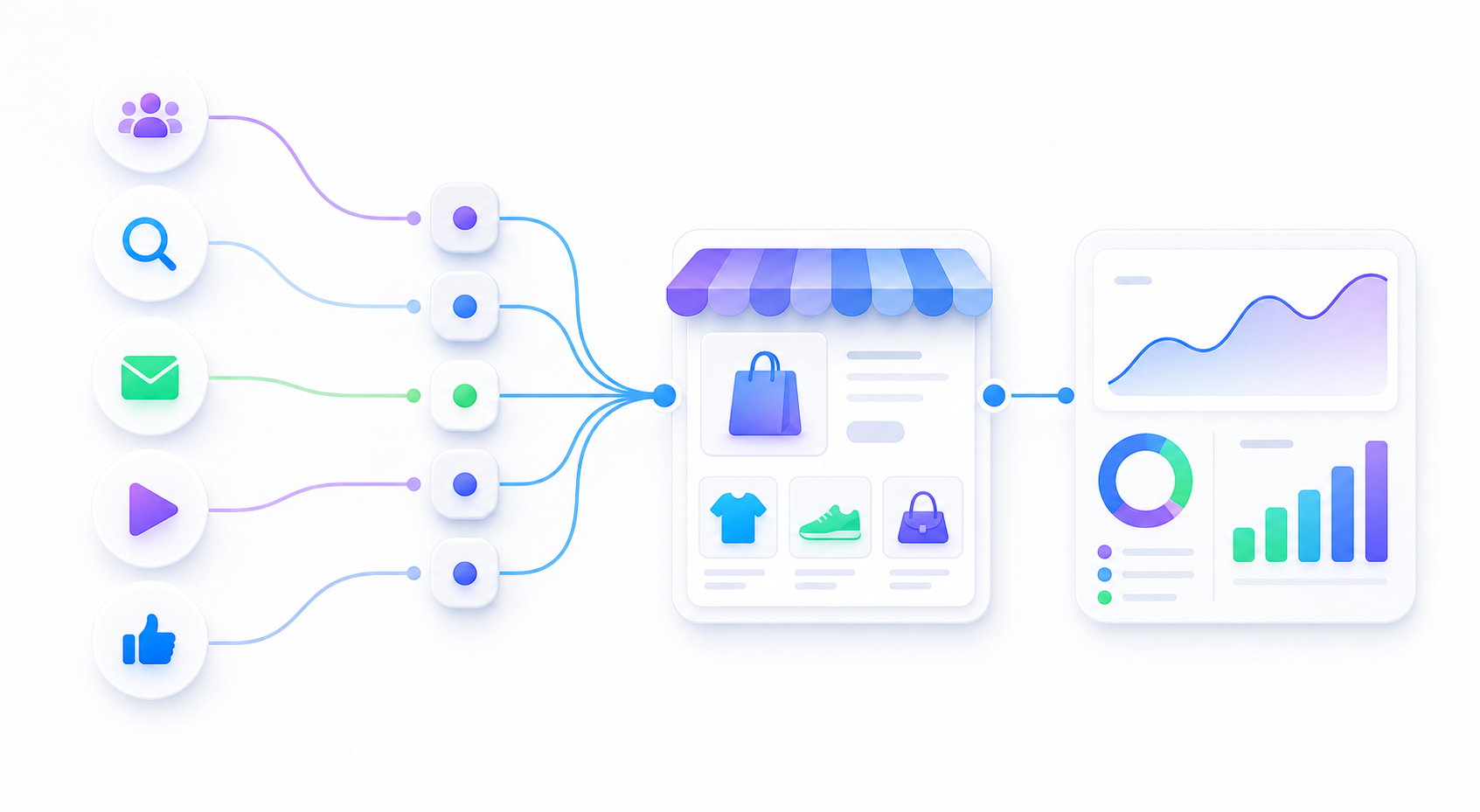
The final URL is the page shoppers land on. For ecommerce, this is often a product, collection, or landing page.
The suffix can add UTM parameters without changing the visible landing page field.
Use templates carefully. They are powerful, but unnecessary complexity can break beginner reporting.
For a small store, start with a readable static UTM suffix. Keep auto-tagging in mind, but do not use manual UTMs and ValueTrack fields randomly without a naming plan.
| Field | Use it for | Beginner caution |
|---|---|---|
| Final URL | The actual ecommerce landing page. | Do not paste a broken redirect chain as the first test. |
| Final URL suffix | Simple UTM parameters appended to the final URL. | Avoid duplicate UTMs already present in the final URL. |
| Tracking template | Advanced click tracking or account-level routing. | Use only when you understand how it changes the landing URL. |
| ValueTrack | Dynamic values such as keyword, match type, device, creative, or placement. | Verify that the final expanded URL still opens and reports correctly. |
Google Ads tracking fields are easier to manage after one clean URL has already passed the GA4 Realtime check.