Use GCLID when
Google Ads and GA4 are linked, auto-tagging is enabled, and you want native Google Ads campaign context.
Google Ads + GA4
If Google Ads, GA4, and your landing page URLs disagree, do not rewrite every suffix first. Separate auto-tagging, manual UTMs, redirects, and GA4 tag firing with one clean test click.
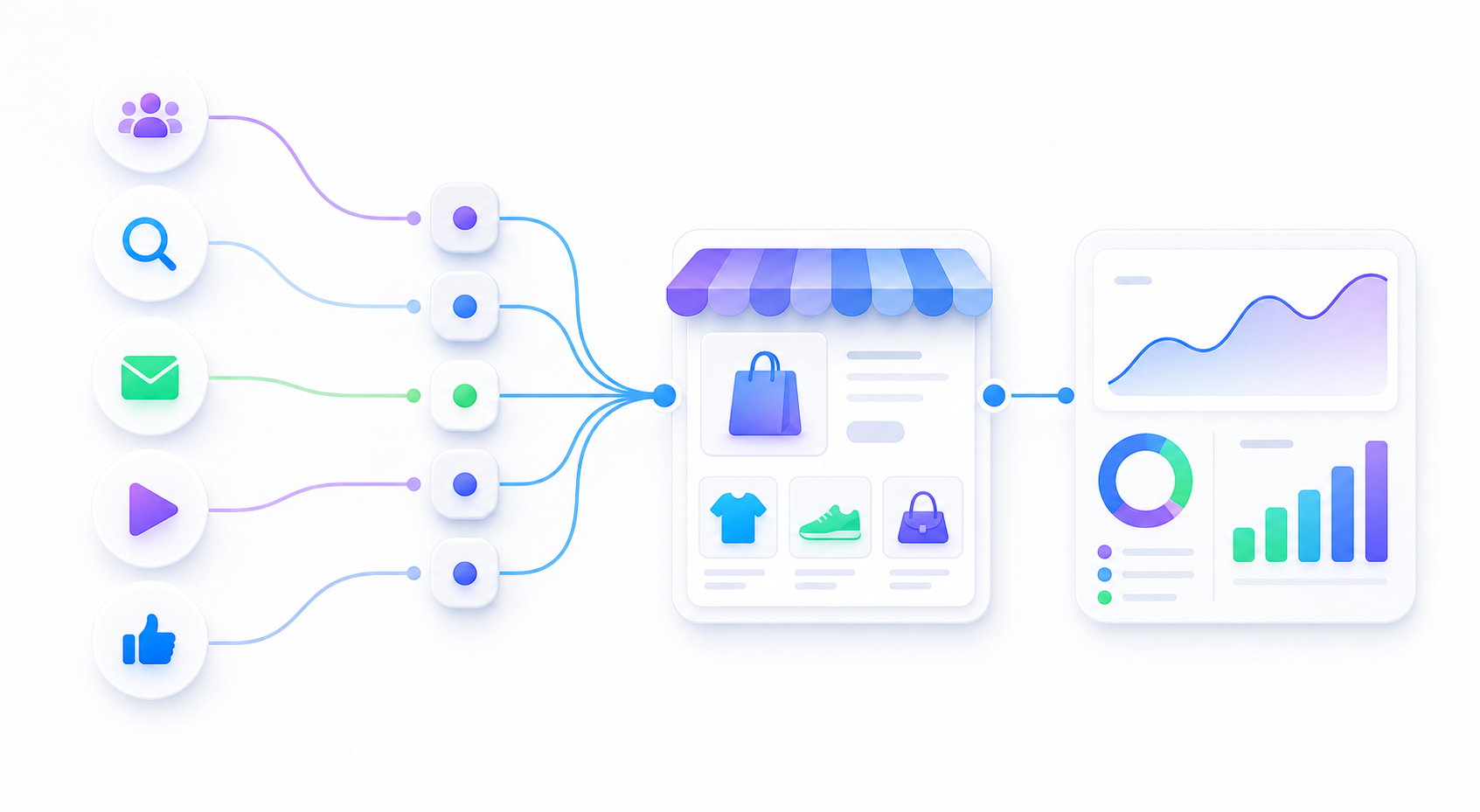
Google Ads and GA4 are linked, auto-tagging is enabled, and you want native Google Ads campaign context.
You need a readable launch test, a cross-channel naming pattern, or a simple way to debug one landing page URL.
Auto-tagging, manual UTMs, final URL suffixes, tracking templates, and redirects can all change what GA4 sees.
Google Ads auto-tagging appends a Google Click Identifier, usually called gclid, to the landing page URL. Google's help docs say auto-tagging is enabled by default for new accounts and that, in GA4, auto-tagging overrides manual tagging for Google Ads traffic.
That does not mean manual UTMs are useless. It means you should know whether your test is checking Google Ads native attribution, a manual campaign naming pattern, or a broken redirect.
gclid remains in the final address bar after redirects.| Situation | Better first move | What to check |
|---|---|---|
| GA4 and Google Ads are linked correctly | Use auto-tagging as the main Google Ads signal. | Check that gclid survives redirects and GA4 sees the visit. |
| Beginner wants to test one landing page | Use a readable static UTM test URL. | Confirm the final URL keeps UTMs and GA4 Realtime shows a session. |
| Team wants cross-channel naming | Document manual UTM naming rules. | Make sure operators know GA4 may prefer auto-tagging for Google Ads attribution. |
| Clicks exist in Google Ads but GA4 is empty | Debug landing page, tag, consent, property, and redirect path. | Do not assume UTM naming can fix a missing GA4 session. |
| Campaign appears as direct or wrong source | Check stripped gclid, duplicate UTMs, and redirects. |
Follow the final URL from click to loaded page. |
A useful first review does not need your Google Ads password, GA4 login, store admin, browser cookies, or customer data.
Google Ads final URL:
Final URL suffix or tracking template:
Is auto-tagging enabled:
Does the final address bar keep gclid:
Are manual UTM parameters also present:
What GA4 Realtime shows:
Store platform:
Recent redirect, consent, theme, or tag changes:
Google Ads FAQ
If Google Ads and GA4 are correctly linked and auto-tagging is enabled, gclid is usually the cleaner source for Google Ads reporting. Manual UTMs can still help with launch QA, cross-channel naming, or debugging one final URL.
You can see both on a click URL, but mixing them without a naming plan can confuse operators. Test one click path, confirm the final URL keeps the parameters, and document which fields your team will use for GA4 reporting.
Common causes include a missing or stripped gclid, redirects that remove query parameters, GA4 not being linked or tagged correctly, consent or blockers, duplicate UTM fields, or checking standard reports before data is processed.
One real click path is enough to separate auto-tagging, UTM, redirect, tag, consent, and GA4 reporting problems.