Start with real URLs
Use product, collection, landing page, or offer URLs from the store you are about to promote.
Bulk workflow
If your store has many product or collection pages, do not build campaign links one by one. Import the URL list, choose a channel, then copy the final ad URLs for launch setup.
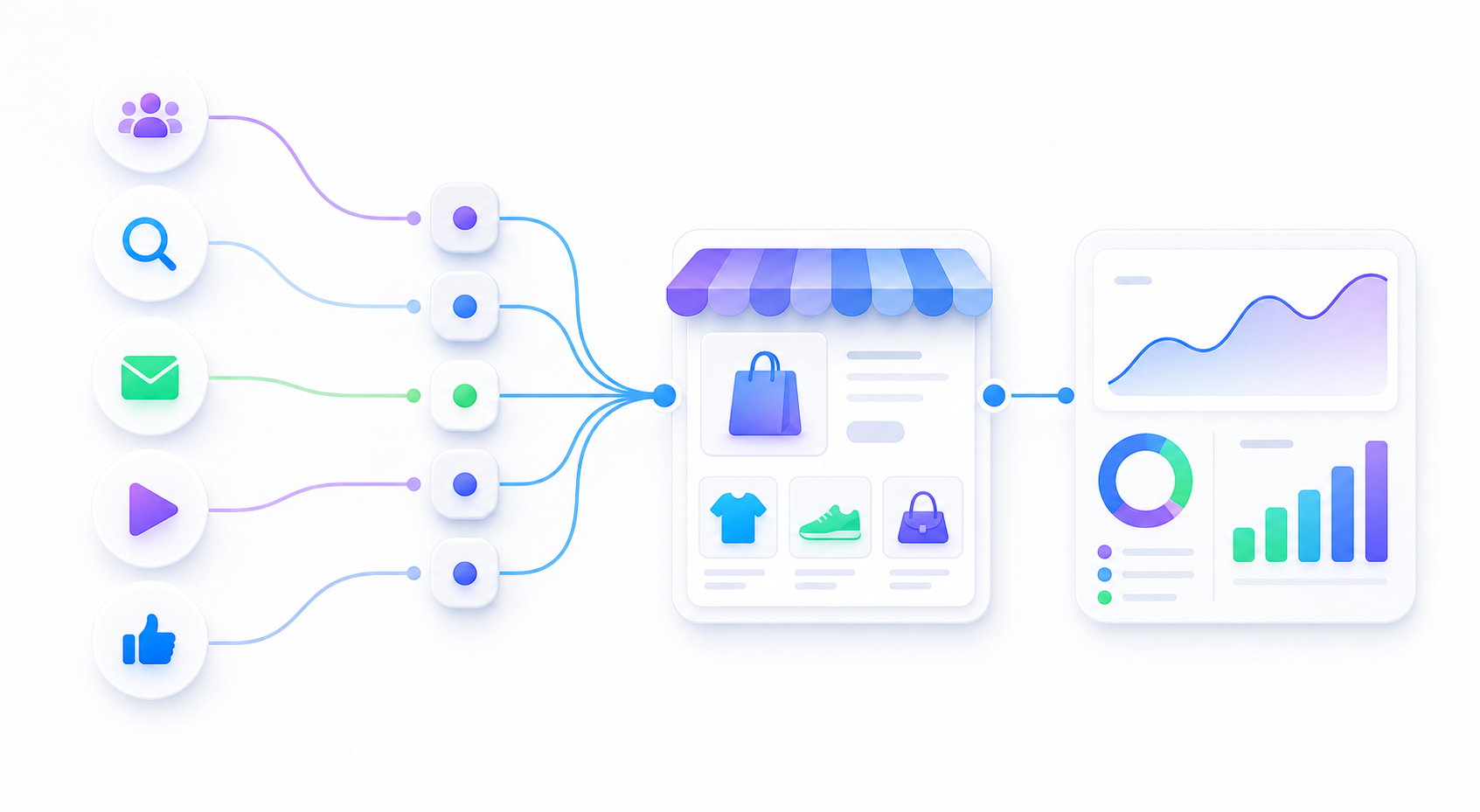
Use product, collection, landing page, or offer URLs from the store you are about to promote.
Choose Meta, TikTok, Google Ads, email, SMS, affiliate, or a custom source for the batch.
Copy final URLs directly into ad setup tasks, spreadsheets, or a teammate handoff.
.txt or .csv file.The builder can create campaign names automatically from your prefix, or you can add campaign and content labels per row.
FAQ
Yes. Paste one landing page URL per line or import a text or CSV file, choose a channel, and generate final ad URLs with source, medium, campaign, and content parameters.
A plain text file with one URL per line is the simplest format. CSV rows can also work when the row contains a URL and optional campaign or content labels.
No. The bulk builder processes pasted and imported URLs in the browser. Do not include customer emails, names, phone numbers, addresses, order IDs, or private customer details in URL parameters.