First click
Confirm one ad click lands on Shopify with source, medium, campaign, and page path visible in GA4 Realtime.
Shopify order source
When orders happen but the source looks like direct, none, or an unclear campaign, separate the landing click from the checkout and purchase event. A clean first click is the input layer before deeper attribution work.
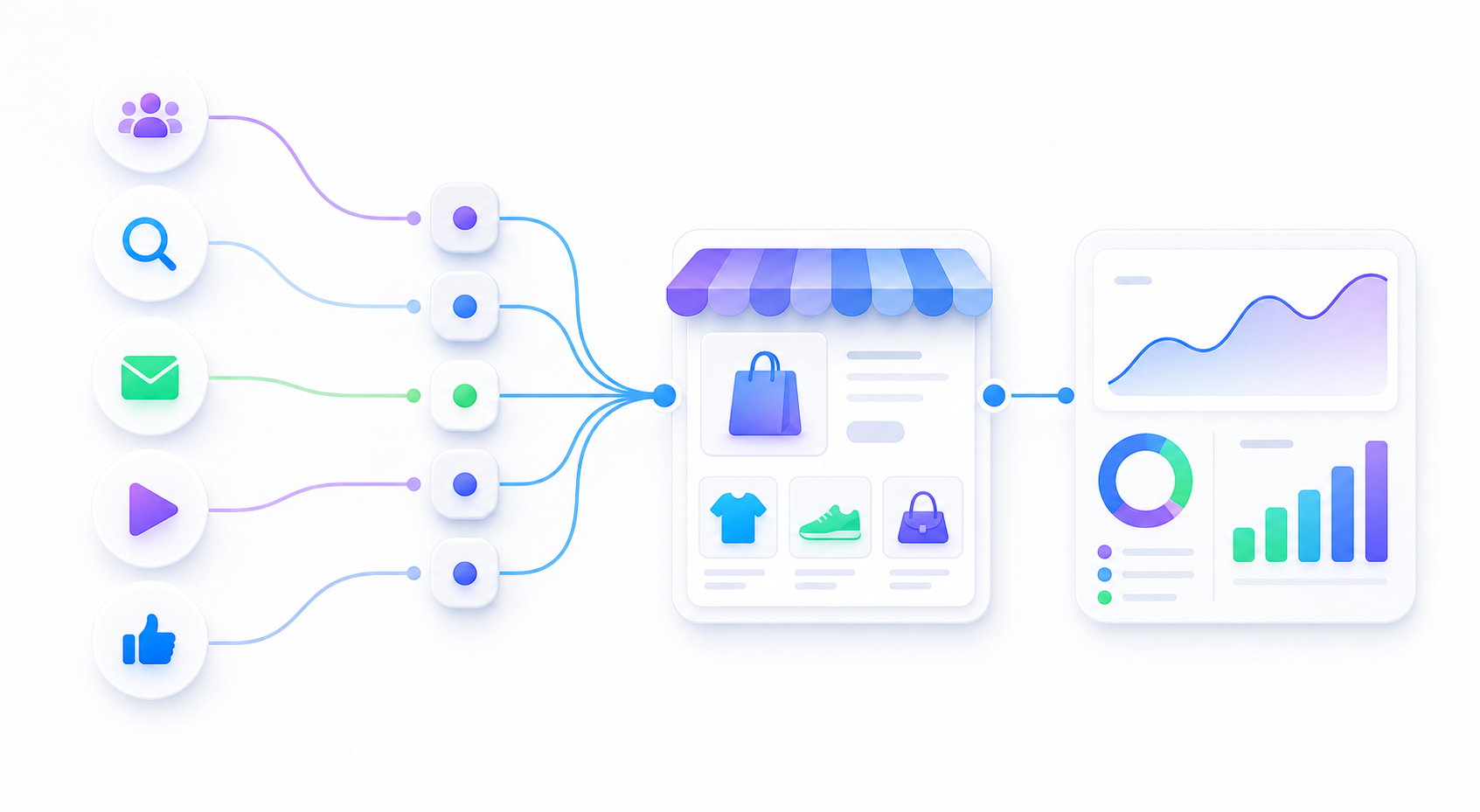
Confirm one ad click lands on Shopify with source, medium, campaign, and page path visible in GA4 Realtime.
If the landing visit is correct but the order source is direct, inspect checkout, payment return, and purchase events.
Shopify, GA4, and ad platforms use different rules. Start by proving the URL handoff before debating attribution models.
Use one readable URL before adding macros, short links, influencer links, or app-controlled redirects.
| Layer | What happens | What to check |
|---|---|---|
| Ad URL | The campaign never had clean UTMs. | Build one final URL and test it in Realtime. |
| Redirect | UTMs disappear before the Shopify page loads. | Check short links, app links, locale rules, canonical redirects, and trailing slash behavior. |
| GA4 tag | First page view fires late, twice, or not at all. | Check native integration, GTM, theme scripts, consent, and duplicate measurement IDs. |
| Checkout | Session context changes near begin checkout or payment return. | Check checkout domain, payment provider referrals, and return URL behavior. |
| Purchase | Order exists but GA4 purchase is missing, duplicated, or disconnected. | Check transaction ID, revenue fields, ecommerce event setup, and duplicate apps. |
No account passwords, admin logins, browser cookies, or customer PII are needed for the first pass.
Store URL:
Problem ad URL:
Expected source or campaign:
What GA4 shows:
What Shopify order source shows:
Does GA4 Realtime show the landing visit:
Does purchase event appear:
Recent checkout, payment, theme, app, redirect, or consent changes:
Shopify FAQ
A Shopify order can show direct or unclear source when the original ad URL had no UTMs, redirects removed the query string, GA4 did not keep session context through checkout, the buyer returned later from direct traffic, or the purchase event is missing, duplicated, or disconnected from the first landing page visit.
Debug the ad URL first. Prove that one tagged ad click reaches the Shopify landing page and appears in GA4 Realtime with source, medium, campaign, and page path. Then inspect checkout and purchase events.
Send one problem ad URL, the Shopify page that loads, what GA4 Realtime shows, whether the order or purchase source appears as direct, and any recent checkout, theme, app, redirect, consent, or tracking changes.
One real URL plus the GA4 and Shopify source symptom is enough to separate a URL problem from checkout or purchase tracking.