Report symptom
GA4 shows direct, none, unassigned, or a missing campaign for sessions that should have come from ads.
Shopify GA4 attribution
If Shopify orders show as direct, your UTM campaign is missing, or Facebook and Google Ads clicks do not match GA4, isolate one real ad URL and follow the click path before replacing apps or rebuilding campaigns.
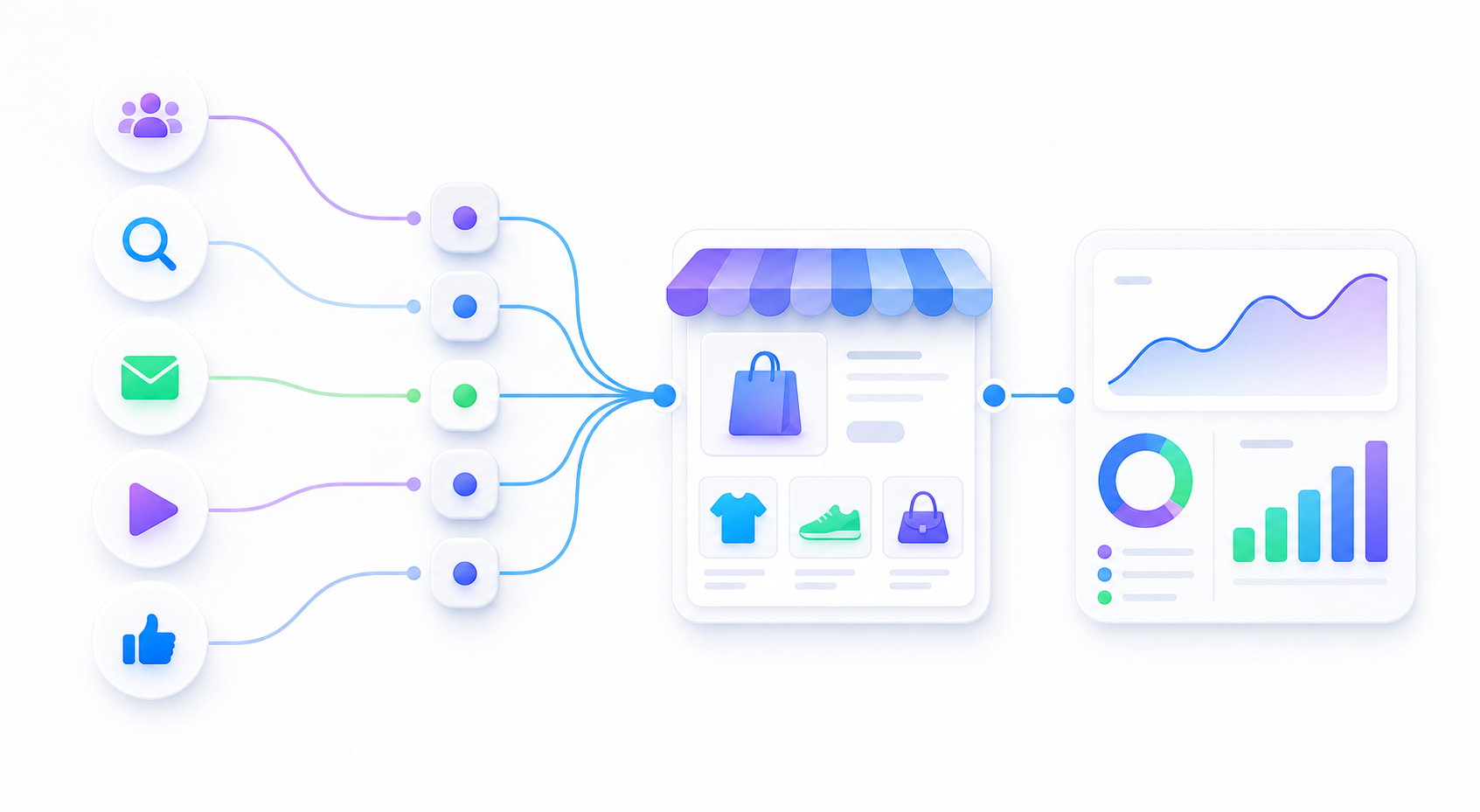
GA4 shows direct, none, unassigned, or a missing campaign for sessions that should have come from ads.
Check whether the final landing page URL keeps source, medium, campaign, content, and any platform click IDs.
Only after the landing visit is clean should you inspect checkout, purchase events, consent, and duplicate tags.
utm_source, utm_medium, utm_campaign, and utm_content.| Layer | What you see | What to check |
|---|---|---|
| Ad URL | No campaign, inconsistent names, or duplicate UTM keys. | Final URL, tracking template, final URL suffix, and UTM naming rules. |
| Redirect | The clicked URL changes and query parameters disappear. | Short links, app redirects, locale redirects, collection redirects, and trailing slash rules. |
| GA4 tag | Realtime has no session, or different tags disagree. | Native Shopify integration, GTM, theme scripts, duplicate GA4 IDs, and consent timing. |
| Checkout | Source changes near begin checkout or purchase. | Checkout domain behavior, payment redirects, referral handling, and event sequence. |
| Purchase | Order exists in Shopify but GA4 purchase is missing or duplicated. | Purchase event setup, transaction ID, revenue fields, and duplicate app events. |
utm_campaign, or a redirect may remove it before the page loads.The fastest useful review does not need your ad account login. It needs one broken click path and the exact symptom you see.
Store URL:
Problem ad URL:
Expected source or campaign:
What GA4 shows instead:
Where you checked it:
Shopify order source, if relevant:
Recent redirect, app, theme, or checkout changes:
Shopify FAQ
It can happen when UTMs are missing, redirects drop query strings, checkout changes the session, purchase events are missing or duplicated, or the buyer returns later from a different source before purchasing.
GA4 may not have kept campaign context from the original ad click through landing page, checkout, and purchase. Start by testing one tagged URL in Realtime before reading every order source.
Usually no. First prove that one clean ad URL reaches Shopify with source, medium, campaign, and page path visible in GA4 Realtime. Then test checkout and purchase events.
A single real URL plus one GA4 symptom is enough to identify whether the first problem is URL, redirect, tag, checkout, or purchase event setup.