No session
GA4 Realtime shows no user after your TikTok test click. Check landing page load, tag firing, consent, browser state, and property first.
TikTok Ads + GA4
If TikTok reports clicks but GA4 Realtime stays empty, isolate one click path before changing budget, creative, or attribution settings. The first job is proving that one TikTok URL reaches a tagged landing page.
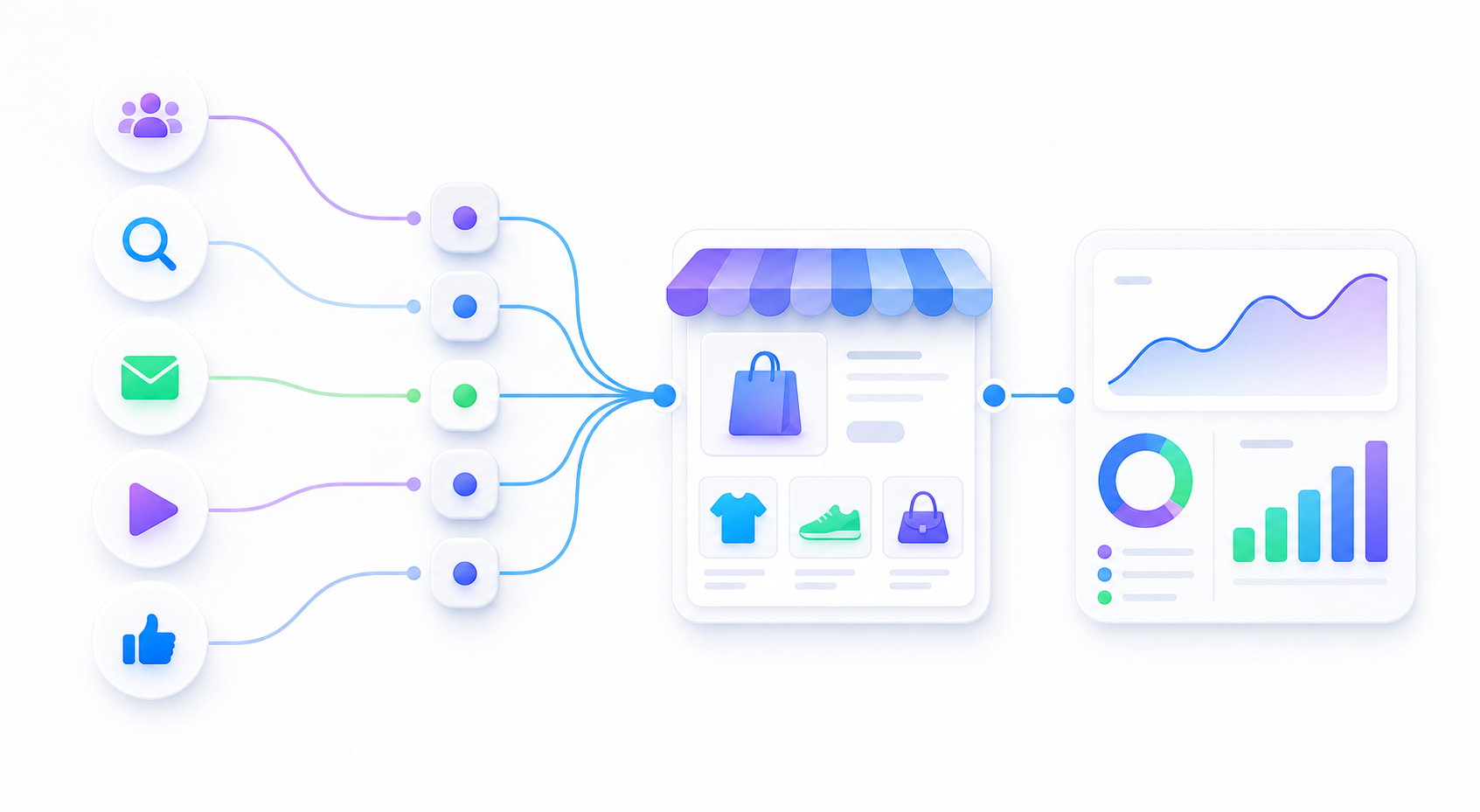
GA4 Realtime shows no user after your TikTok test click. Check landing page load, tag firing, consent, browser state, and property first.
GA4 shows a visit but no TikTok labels. Then inspect UTMs, redirects, short links, placeholders, and duplicate parameters.
Use one static TikTok URL in a normal browser before testing TikTok preview clicks, Spark Ads, creator links, or macros.
utm_source, utm_medium, and utm_campaign remain in the final address bar after redirects.Before testing TikTok placeholders or Spark Ads paths, use one static URL that should be easy to read in GA4.
| What you see | Likely layer | Next check |
|---|---|---|
| TikTok click, GA4 Realtime empty | Landing page, GA4 tag, consent, browser, property, or blocker | Check tag firing and the exact page that loads after the click. |
| GA4 visit appears, but source is direct | UTM, redirect, short link, or campaign context | Inspect the final address bar and test without the short link. |
| Normal browser works, TikTok click does not | In-app browser, app link, preview path, or redirect difference | Compare the loaded URL path and query string in each test. |
| Landing page visit works, purchase does not | Checkout, ecommerce event, payment return, or session continuity | Move from URL QA to checkout and purchase event QA. |
A useful first review needs the click path, not your TikTok Ads login, store admin password, GA4 login, browser cookies, or customer data.
TikTok final URL:
URL parameters or placeholders used:
Final page after clicking:
Does the address bar still contain UTMs:
What GA4 Realtime shows:
Store platform:
Short link, app link, Spark Ads, or creator link used:
Recent tag, consent, redirect, theme, app, or checkout changes:
TikTok Ads FAQ
TikTok can count a click while GA4 shows no session when the landing page fails to load, the in-app browser behaves differently, redirects remove the query string, the GA4 tag does not fire, consent blocks analytics storage, or blockers prevent the test visit from being recorded.
Test one static TikTok URL first. Confirm the final page loads, UTMs remain after redirects, and GA4 Realtime shows a visit before testing preview clicks, short links, Spark Ads links, or dynamic placeholders.
Send the TikTok final URL, the final page after redirects, whether UTMs remain in the address bar, what GA4 Realtime shows, your store platform, and any short link, app link, consent, theme, checkout, or tag changes.
One real final URL plus the GA4 Realtime symptom is enough to separate a landing-page problem from a tag, consent, redirect, app-browser, or checkout problem.