Landing Page URL Builder

Shopify + GA4

How to track which Shopify ad made a sale in GA4

Start with one clean ad landing page URL, confirm the click in GA4 Realtime, then check whether the later Shopify purchase still carries believable campaign context.
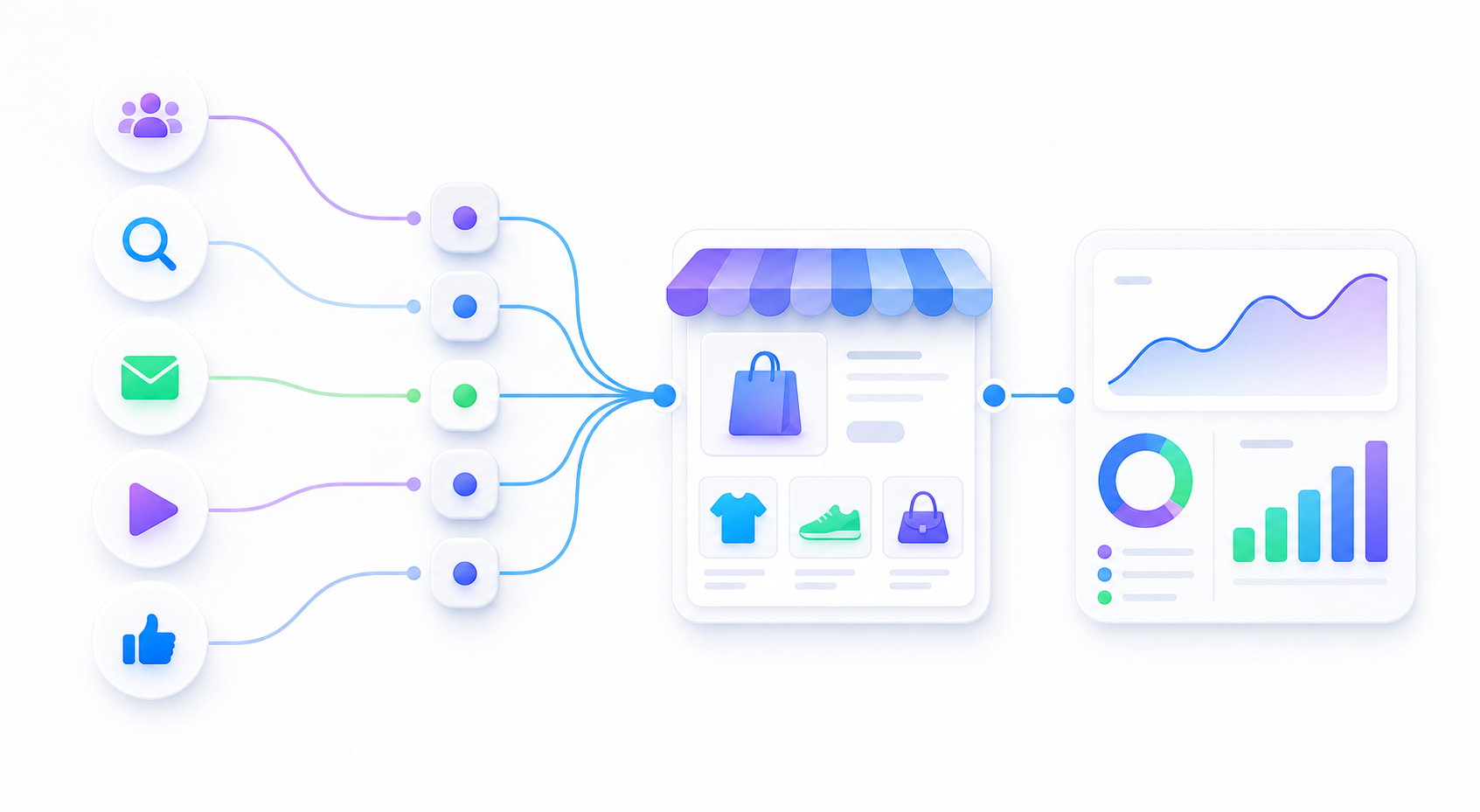
Ad traffic flowing into ecommerce and analytics checks

First proof

The first thing to prove is simple: after clicking your ad URL, GA4 Realtime should show the source, medium, and campaign you expected.

Sale proof

A purchase event is a separate check. Shopify checkout, consent, duplicate tags, and cross-domain behavior can affect what GA4 receives.

Safe default

Use readable static UTMs before adding platform macros. Beginners should not debug macros before the basic GA4 path works.

Beginner workflow

  1. Paste the Shopify product, collection, or landing page into the free builder.
  2. Choose the ad channel, such as Meta, TikTok, Google Ads, affiliate, or email.
  3. Use a readable campaign name like summer_sale_travel_bag.
  4. Click the generated URL yourself and make sure Shopify loads the correct page.
  5. Open GA4 Realtime and confirm the visit appears with the expected campaign labels.
  6. After that, test cart, checkout, and purchase events if your store setup supports them.
https://example.com/products/travel-bag?utm_source=meta&utm_medium=paid_social&utm_campaign=summer_sale_travel_bag&utm_content=ugc_video_angle_01

What GA4 can and cannot prove

Check Good signal Common limitation
Landing visit Realtime shows source, medium, campaign, and page path. Redirects or duplicate UTMs may overwrite the values.
Product event view_item appears after the product page loads. The theme or app may not send ecommerce event data.
Cart event add_to_cart fires when the shopper adds a product. Cart drawers and apps can bypass a simple tag setup.
Purchase event purchase appears with transaction and revenue fields. Checkout setup, consent, and cross-domain behavior can affect attribution.

Why Shopify sales attribution looks wrong

  • The ad URL never had UTMs, or the UTM naming changed between campaigns.
  • A redirect, short link, app link, or checkout path dropped the query string.
  • Multiple GA4 tags are installed and they send conflicting events.
  • The purchase event is missing, delayed, duplicated, or not tied to ecommerce parameters.
  • The buyer returns later from direct, email, or another channel before purchasing.

Simple verification loop

  1. Build one final ad landing page URL.
  2. Click it from a clean browser session or incognito window.
  3. Check GA4 Realtime for the visit and campaign labels.
  4. Run a test cart path only after the landing visit looks right.
  5. Document the final URL pattern before copying it into more ads.

Build the Shopify ad URL before you scale spend

One verified URL pattern is more useful than a messy spreadsheet of campaign links nobody has tested.

Build a free ad URL