Product URLs
Start from product pages, collection pages, sale pages, or landing pages from your Shopify store.
Shopify / Bulk UTM / Attribution setup
Paste or import Shopify product and collection URLs, choose one ad channel, then export final ad URLs your team can use in Meta, TikTok, Google Ads, email, affiliate, or creator campaigns.
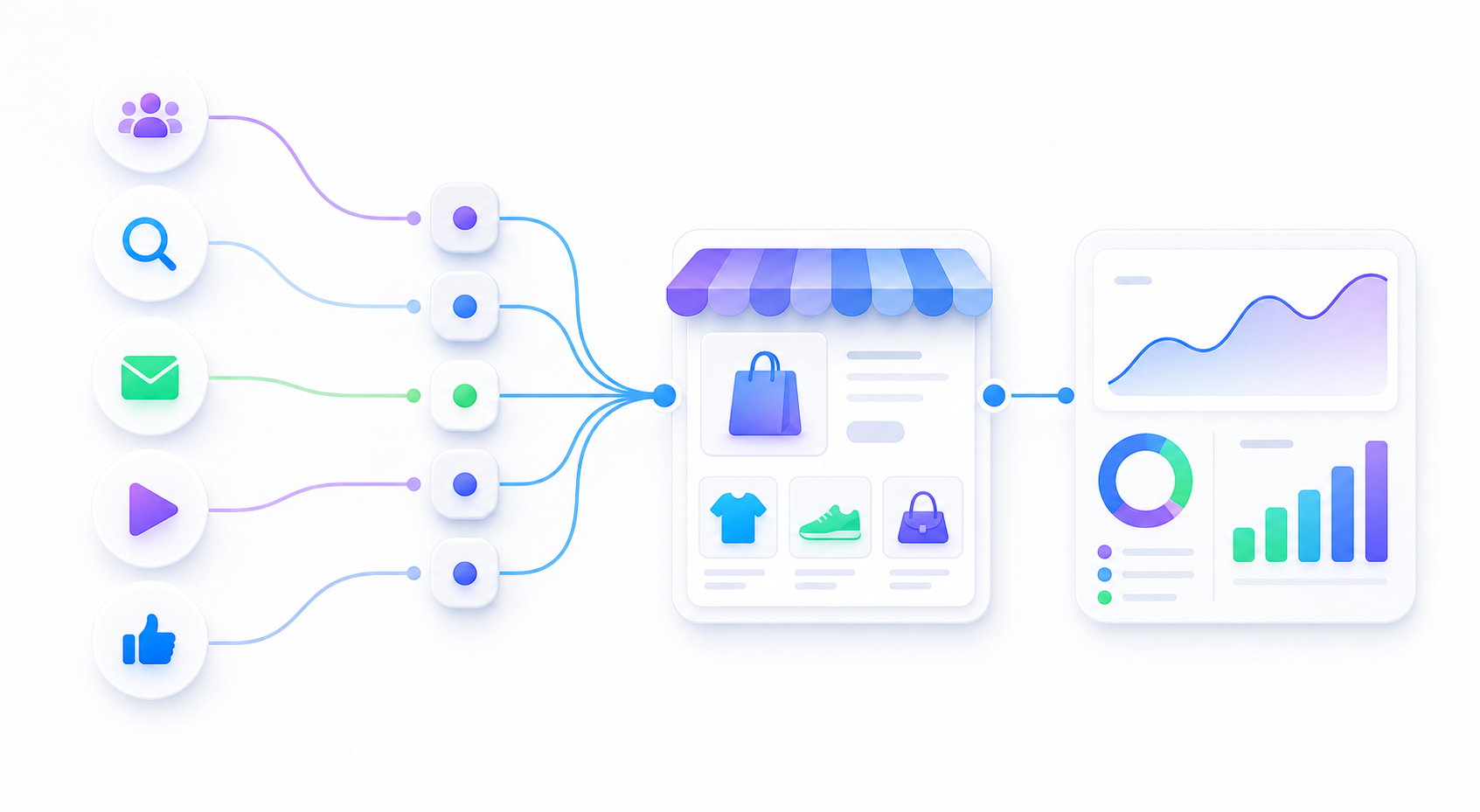
Start from product pages, collection pages, sale pages, or landing pages from your Shopify store.
Generate separate batches for Meta, TikTok, Google Ads, email, SMS, and affiliates.
Copy the final URL list when an ad setup task does not need a spreadsheet.
The generated links keep Shopify destinations transparent. They do not shorten links, hide redirects, or store your product URLs on a server.
FAQ
Yes. Import or paste Shopify product, collection, or landing page URLs, choose one traffic channel, and export final URLs with UTM source, medium, campaign, and content labels.
Use a consistent campaign prefix and readable row-level labels. For example, keep the campaign family stable and use content labels for product, creative, or creator differences.
Open at least one generated Shopify URL yourself, confirm the page loads and keeps the UTM parameters, then check GA4 Realtime before using the batch in ads.